Plan the work
See jobs, dates, and the day’s priorities together. Give every project a clear next step.
BUILT FOR THE JOBSITE
One shared place for your schedule, jobs, subcontractor updates, and invoice balances. Know what’s next before the phone starts ringing.
Private workspaces. Access by invitation.
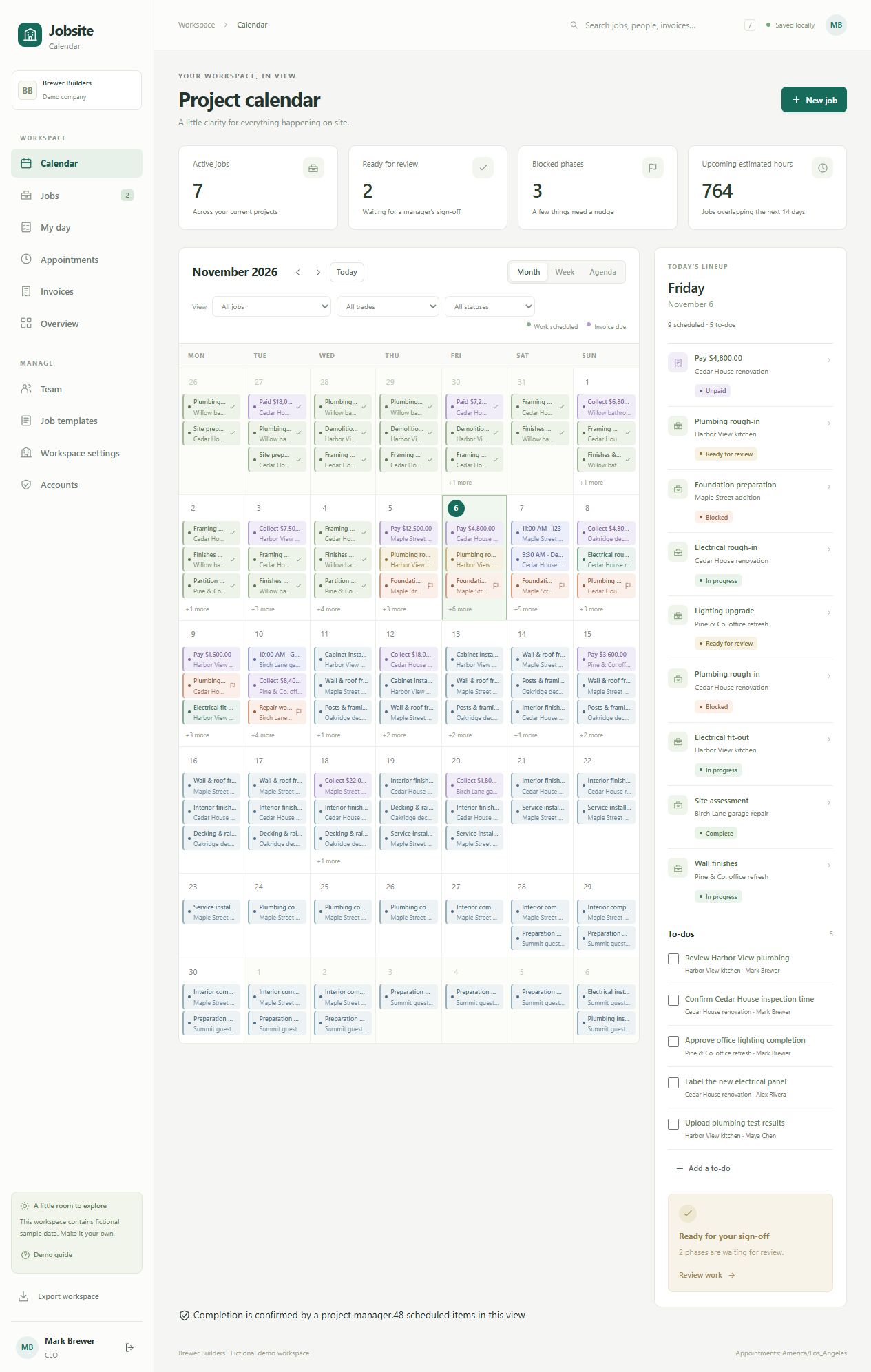
A WORKDAY THAT MAKES SENSE
See jobs, dates, and the day’s priorities together. Give every project a clear next step.
Let subcontractors book available time and update the work assigned to them.
Review completed work, resolve blockers, and keep track of invoice balances.
LESS BACK-AND-FORTH
Your calendar is where the work comes together. Keep the office and the jobsite looking at the same plan.
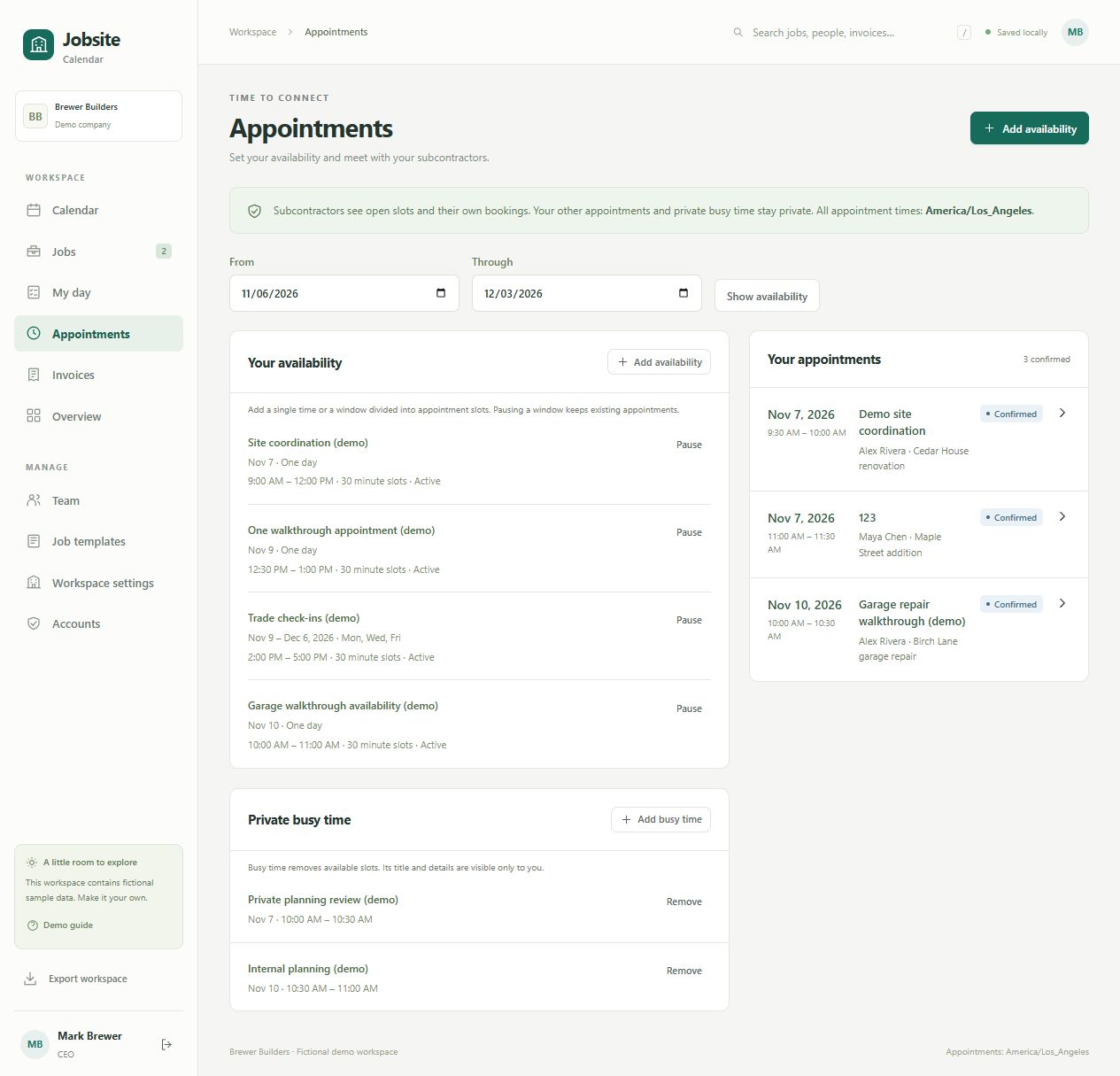
Project managers offer specific times or repeating windows. Subcontractors choose an open slot and get back to work.
EVERYDAY DETAILS, HANDLED
From a quick site update to a job’s final checklist, give the details a place everyone can find.
Switch between month, week, and agenda views. Follow job phases, appointments, and invoice due dates.
Keep progress notes and site photos with the job. Give managers a clear view of what has changed.
Flag what is holding up the work. Submit completed phases for a project manager’s review.
Assign to-dos, track due dates, and reuse job checklists so the next project starts with a plan.
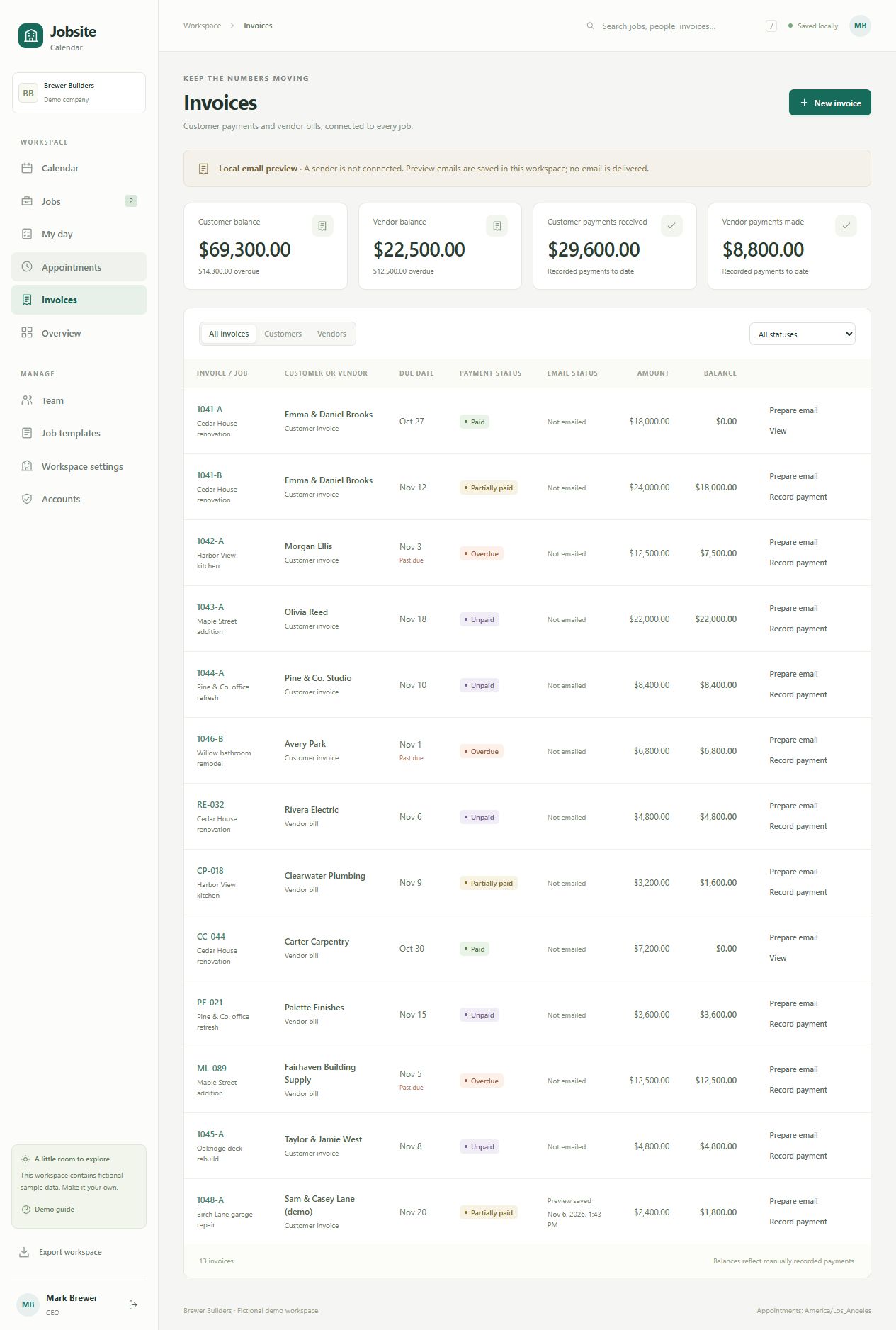
See customer invoices and vendor bills alongside the work they belong to. Keep due dates, partial payments, and outstanding balances in view.
Prepare invoice previews and keep email history with each job. Gmail sending is available once Google setup is complete and your account is connected.
QUICKBOOKS ONLINE
Bring customer invoices from QuickBooks Online into your project workspace. Match each invoice to a job and see what is due alongside the work.
Customer invoices in USD. QuickBooks remains your accounting source.
LINKED TO YOUR PROJECTOak Street · Kitchen remodelInvoice due date appears on the job calendar
Once connections are enabled for this site, your company’s QuickBooks administrator can sign in and authorize access. No developer account needed for end users.
Connection guide in your workspace Workspace settings → QuickBooks Online → How to connect your companyYOUR WORKSPACE IS WAITING
See the plan. Check the progress. Keep the next step clear.
Access is managed by your company administrator.